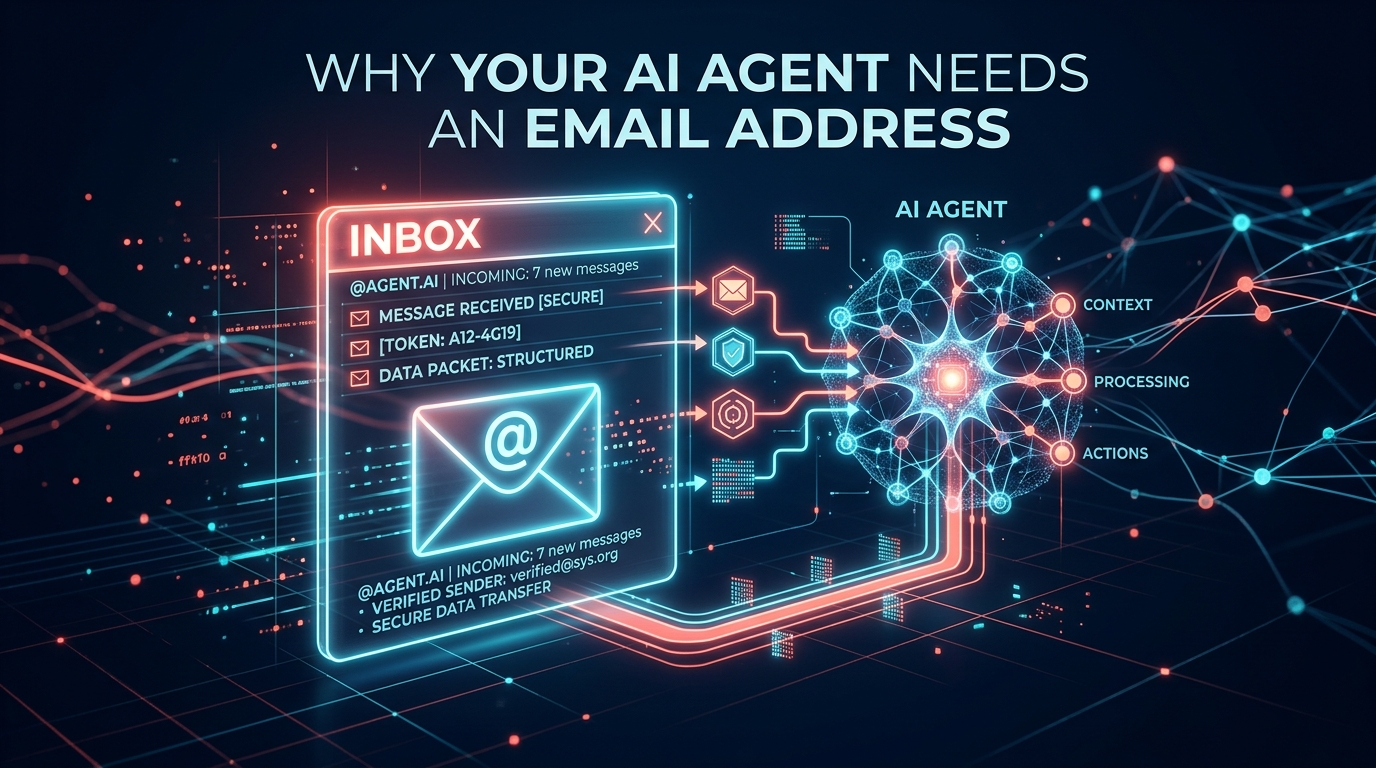
We have spent the last three years building AI agents capable of reasoning through complex workflows, writing code, and executing tasks across browser interfaces.
Yet in enterprise operations, the moment an agent tries to handle real-world business workflows, it hits an immediate bottleneck.
It needs to sign up for vendor tools. It needs to receive OTP verification codes. It needs to process PDF invoices, ingest customer feedback, or receive transcripts from team calls.
Developers often respond by attempting to build brittle custom webhooks or complex API integrations for every single software tool in their stack. But modern businesses don’t connect every workflow through custom APIs.
The universal operating system of modern business is Email.
If you want your AI agents to be truly effective business operators, you don't need another proprietary integration. You need to give your agent its own dedicated email address.
1. The Personal Inbox Trap
When teams first deploy AI assistants, the default shortcut is usually to grant the agent access to an executive’s or employee’s primary Gmail or Outlook account via OAuth.
From a security, compliance, and operational perspective, this is a major misstep.
We saw the hazards of this model unfold during recent consumer agent rollouts—most notably with Meta’s Muse assistant. Tying an autonomous agent directly to a human's primary inbox introduces severe operational risks:
- Data Governance & Privacy Exposure: A human inbox contains sensitive HR threads, financial statements, legal contracts, and personal conversations. Granting broad mailbox permissions exposes confidential company data to unnecessary risk.
- Prompt Injection via Inbound Messages: When third-party emails land in an employee’s primary inbox, unvetted incoming content can trigger unintended prompt executions.
- Context Pollution & High Token Overhead: Forcing an LLM to wade through thousands of irrelevant promotional emails and internal chatter degrades retrieval accuracy and balloons inference costs.
An AI agent shouldn’t be an invisible shadow in your personal inbox. It needs its own sovereign, business-dedicated email identity.
2. Practical Business Use Cases: What an Agent Inbox Actually Unlocks
Giving an agent its own email address (like ops@agent.yourcompany.com or research@agent.kopykat.ai) transforms it from a reactive chatbot into an active operational hub.
📅 Calendar Invites & Automated Meeting Intelligence
Instead of manually copying and pasting notes after every meeting, simply add your agent's email address to calendar invites.
- The agent receives the invite, captures the agenda, and receives the automated recording and transcript from Zoom, Teams, Otter, or Fireflies immediately after the call concludes.
- It parses action items, identifies key commitments, and automatically updates project boards or drafts follow-up emails for the team.
📊 Inbound Data & Report Aggregation
Companies receive hundreds of automated reports every week—Google Analytics digests, ad spend summaries, server health notifications, and market research newsletters.
- Routing these automated updates to an agent’s dedicated inbox creates a centralized, queryable intelligence repository.
- Instead of digging through multiple inboxes, team members can simply ask: "What was our blended CAC across all channels last week?" or "Summarize the key competitor updates mentioned in this week's industry briefs."
🧾 Invoice, Receipt & Vendor Processing
Forward Stripe receipts, AWS usage reports, and vendor invoices directly to your agent's billing inbox.
- The agent extracts line items, verifies totals, matches them against active purchase orders, and flags unexpected price hikes.
- Finance teams can query real-time spend without logging into a dozen separate vendor dashboards.
💬 Customer Feedback & Support Triage
Route contact forms, customer feedback, and support inquiries directly to an agent inbox.
- The agent categorizes incoming tickets, drafts intelligent first-response recommendations, and escalates urgent issues directly to the right department lead.
3. From Static Inboxes to Interactive Intelligence
Simply setting up an email forwarder isn't enough. Businesses need infrastructure that can ingest, structure, and index incoming communication in real-time.
This is why our team at Peppi Labs built KopyKat.ai.
When your agent, workflow, or project receives an email, KopyKat automatically:
- Aggregates & Indexes All Content: Parses unstructured email bodies, attached PDFs, spreadsheets, and confirmation receipts into a high-speed searchable vector database.
- Isolates Agent Workflows: Keeps operational data cleanly segregated from personal employee communications.
- Powers Natural Language "Chat with Inbox": Allows your team and downstream AI pipelines to query aggregated email intelligence instantly using natural language.
As we covered in our guide on giving your AI agent an email address, an agent inbox acts as a secure, real-time institutional memory bank for your business.
4. The Clean Architecture for Enterprise AI
In enterprise architecture, reliability comes from clean boundaries and decoupled systems. You do not integrate third-party tools directly into core databases without intermediate staging layers.
Treating your AI agents as independent organizational entities—equipped with their own dedicated communication channels—provides the guardrails, audit trails, and clarity required to scale AI across your company safely.
If you are building and deploying autonomous agents in 2026, stop building brittle custom webhooks for every tool and stop handing over personal inbox credentials.
Give your agent an email address. Let it handle the busywork.